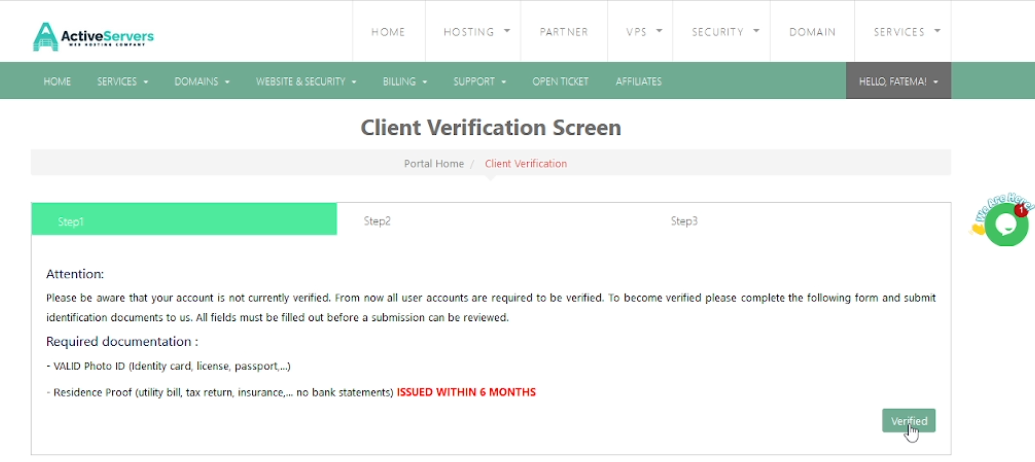
Client Verification

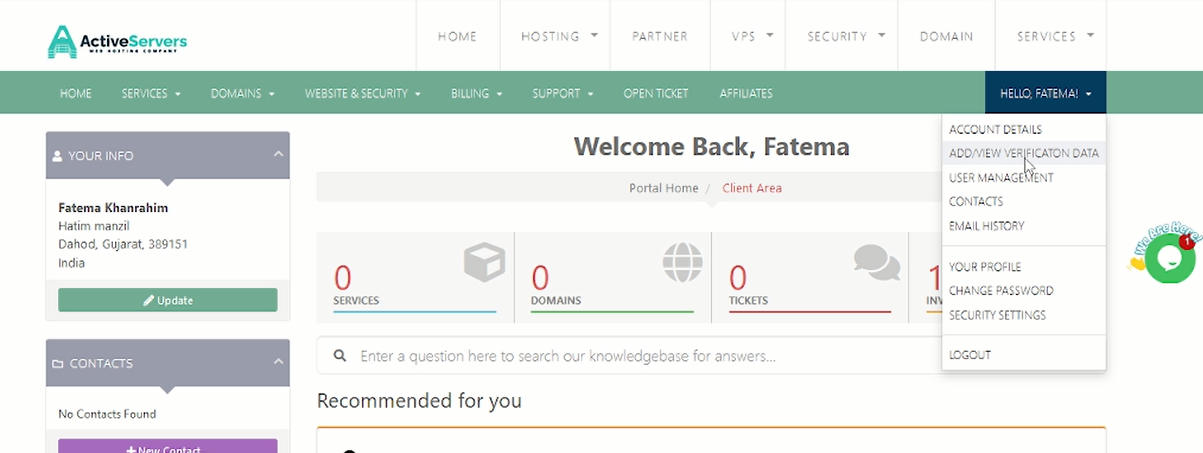
1. Log in to Client Area.

2. Go to profile and select Add/view verification data.

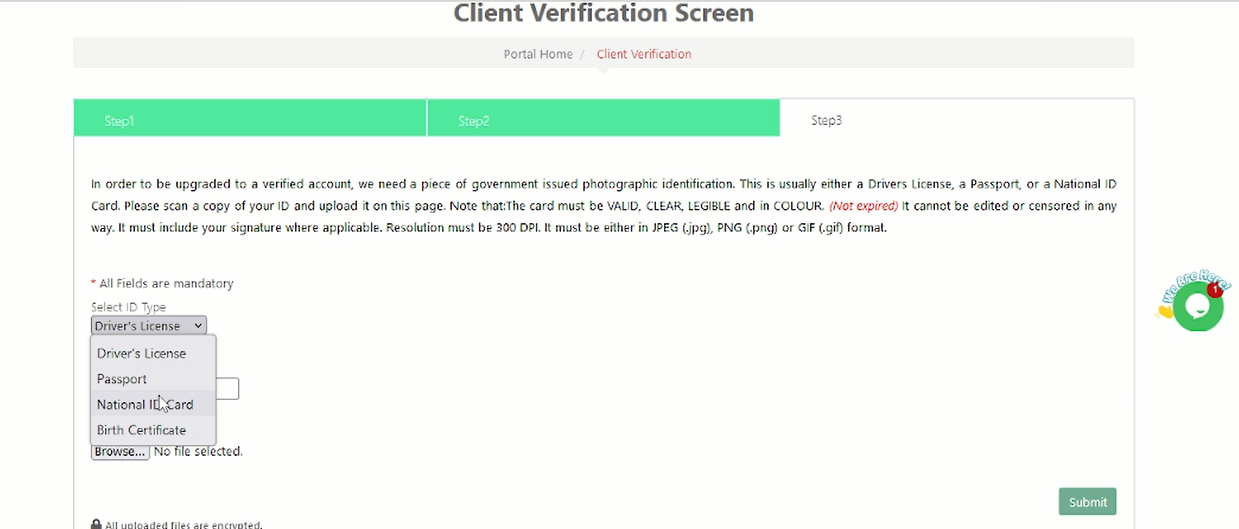
3.Select any ID as per your preference. And attach the document.
4. Click on submit.
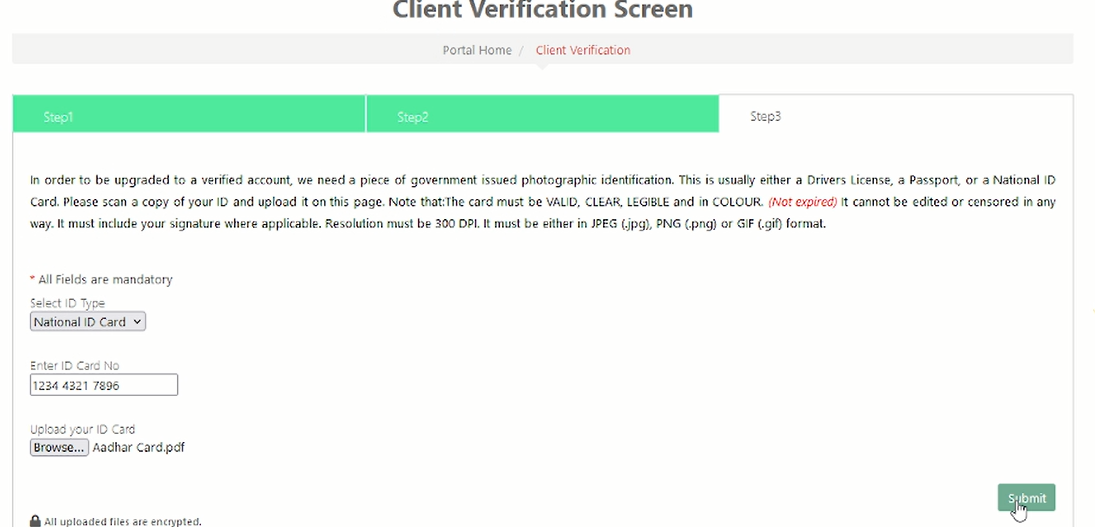
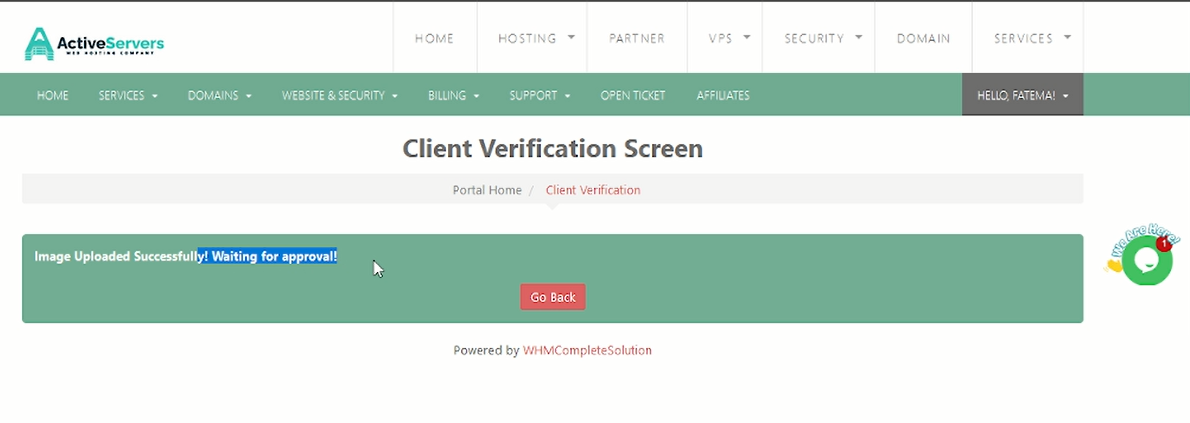


Our team will check and approve it asap.

If you have any further query then you can create a ticket on https://clients.activeservers.in 

Thank you!

  • client verification
  • 1 Users Found This Useful
Was this answer helpful?

Related Articles

How to clear browser cache and cookies using different methods

Hi, This is the tutorial for how you can clear your browser cache and cookies.Method 1: 1. Open...

How To Enable Two-Factor Authentication As A User In Client Area.

Step 1: The first step is to log in using the credentials in the client area. Step 2: Now click...

How Using PHP mail () Helps Cyber Criminals Commit Email Fraud Against Innocent People

Why This Is One of the Worst Email Practices:  These emails appear to originate from a...

The Hidden Threat to Organizational Data: Why Using Personal Email and WhatsApp for Business Communication Is Risky

In many organizations, employees rely on personal email accounts or messaging apps like WhatsApp...