
How to change administrator password in Windows Server

Step 1: Log in to Your VPS Control Panel.

Step 2 : Open Control Panel.
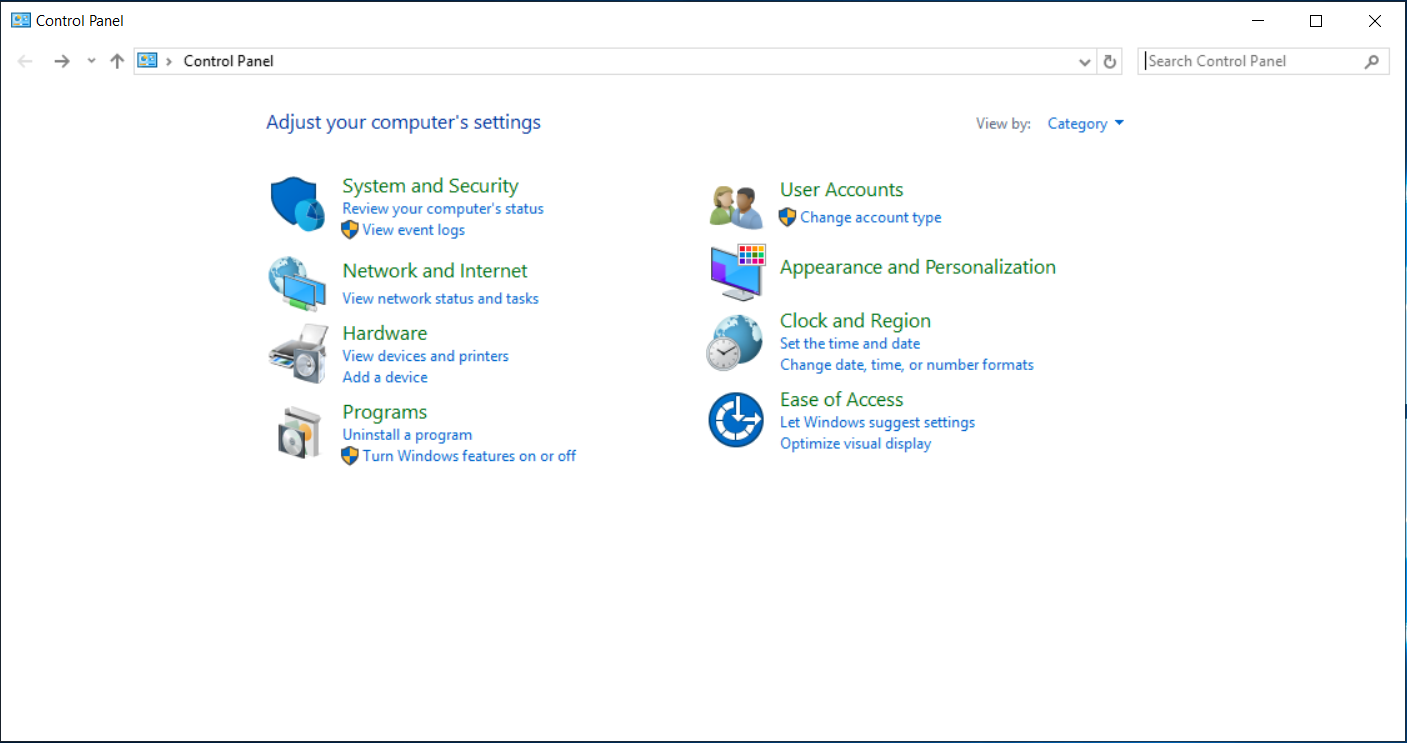
Step 3 : Click on "User Accounts". 

Step 4 : Choose the user you would like to change (Administrator).
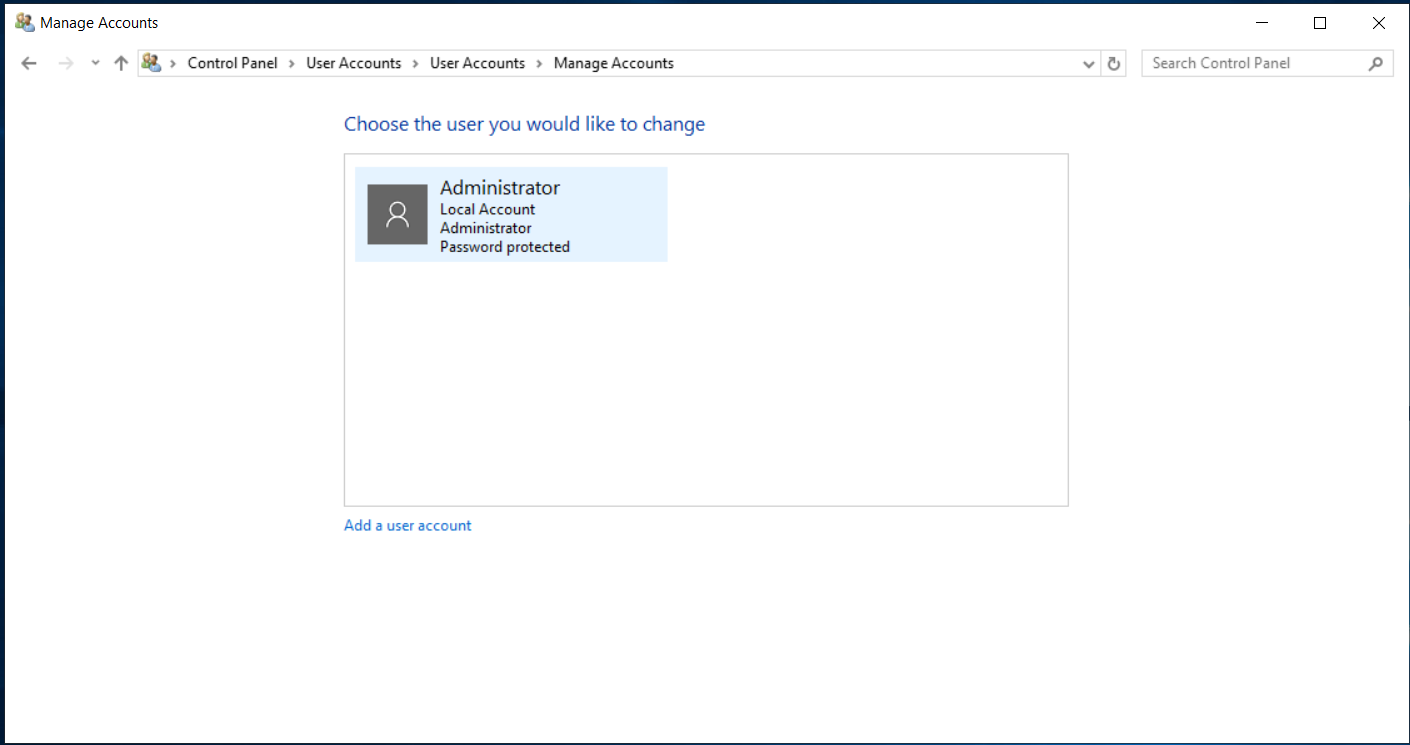
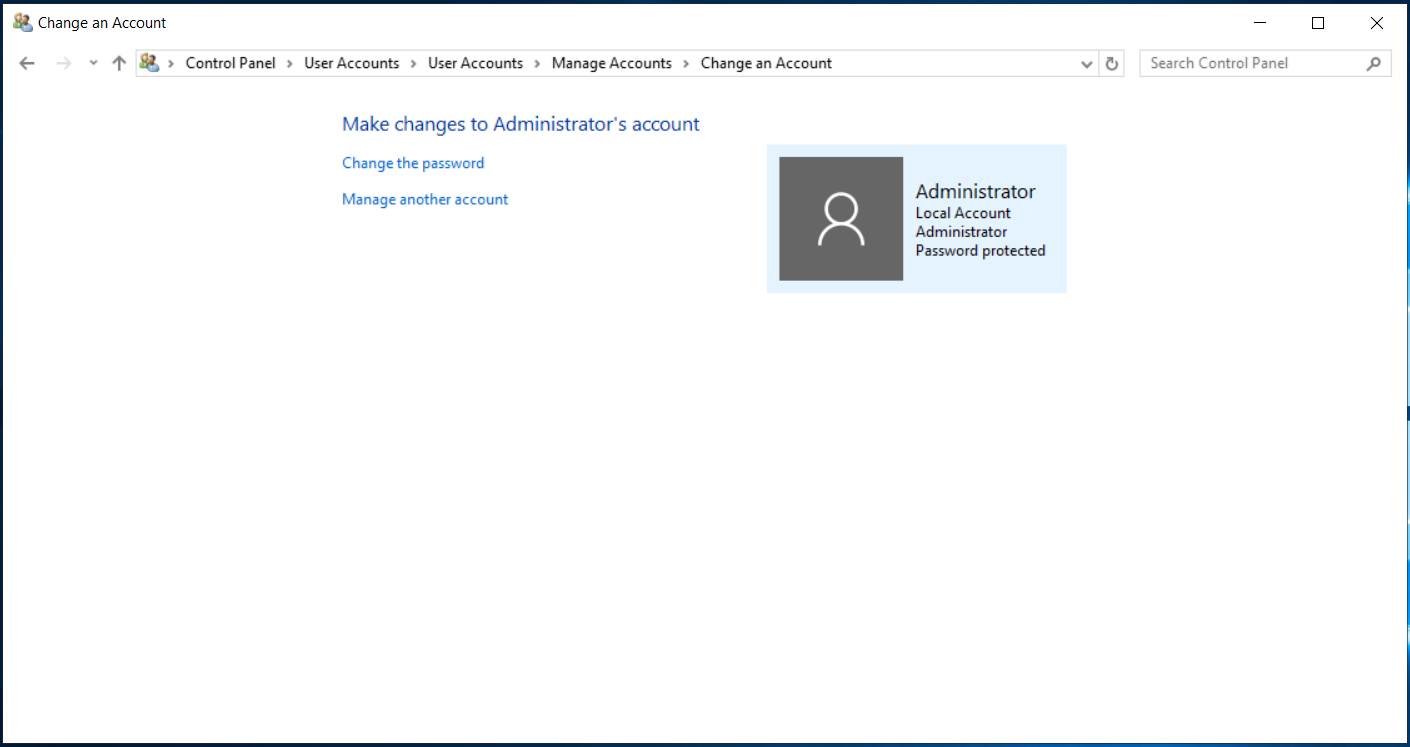
Step 5 : Click on "Change the password".
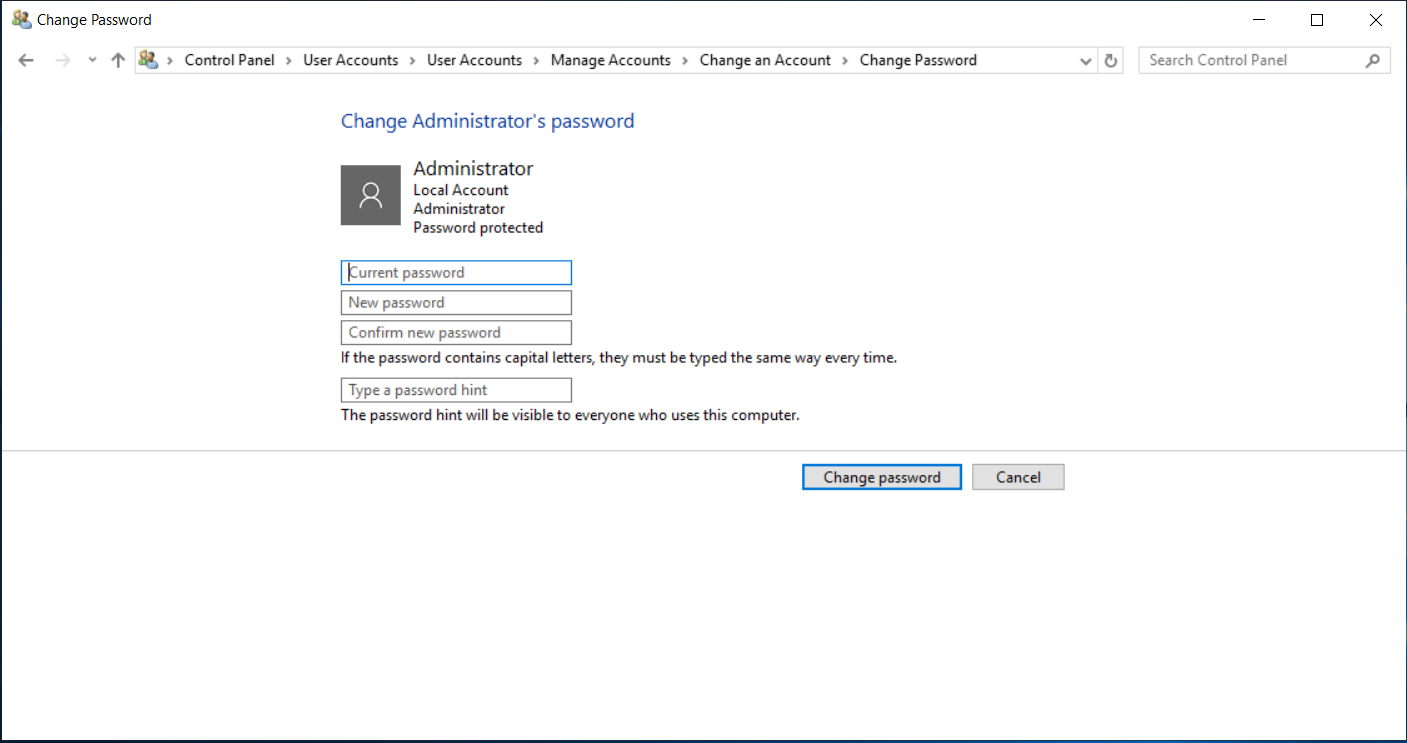
Step 6 : After that enter your Current password, New Password and confirm your new password. 
Method 2: Change password using Command Prompt


  • Log in to the VPS

  • Open Command Prompt as Administrator

  • Run this following command: net user Administrator NewPasswordHere

Password will be updated instantly.

 

  • windows vps, windows, Window VPS Server
  • 1 utilizatori au considerat informația utilă
Răspunsul a fost util?

Articole similare

WINDOWS VPS

Need better speed, performace of you website then choose VPS instaed of shared hosting. In VPS...

How to Install Any Browser on Windows Servers

In this video, we will show you how to install any browser on Windows servers. By the end of...

How to change Date and Time in Windows Servers

This video tutorial will show you how to change the date and time in a Windows Server. By...

How to Install DNS and IIS in Windows servers

DNS is a service that helps your computer find the correct IP address when it connects to the...

How to create Database and connect using SQL Management studio

In this video, we are going to cover how to create a database and connect to it using SQL...